Description
Vendex — Features & Capabilities
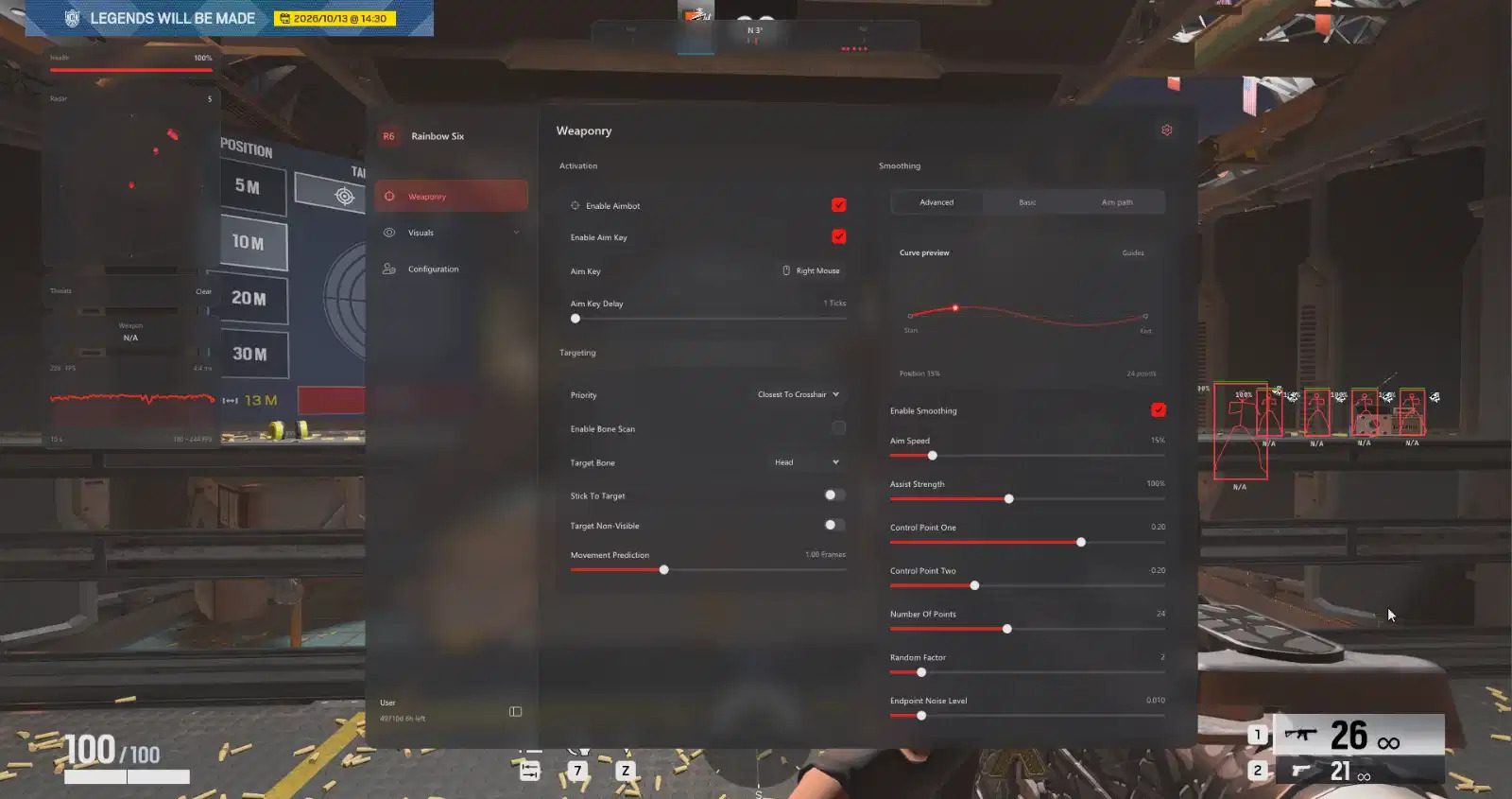
1. Aimbot
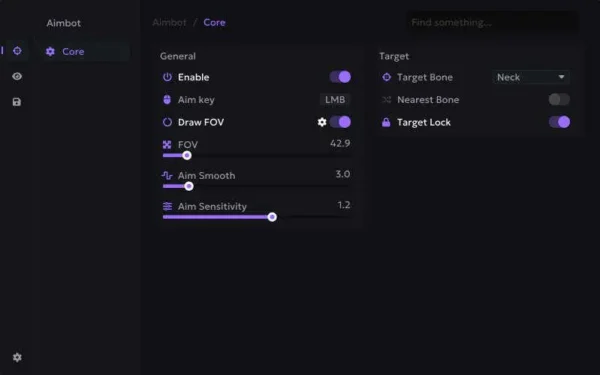
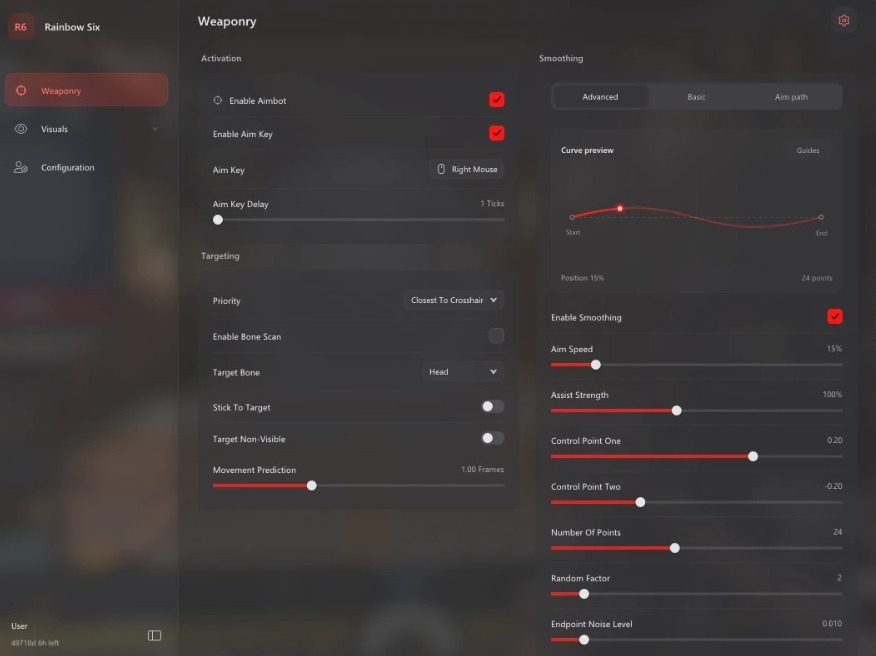
- Toggleable Aimbot
- Customizable Aim Key & Activation Delay
- Target Selection Priority:
- Crosshair
- Bone
- Distance
- FOV
- Lowest Health Target Priority (when supported)
- Target Bone Selection & Bone Scanning
- Stick-to-Target Functionality
- Target Non-Visible Players
- Movement Prediction
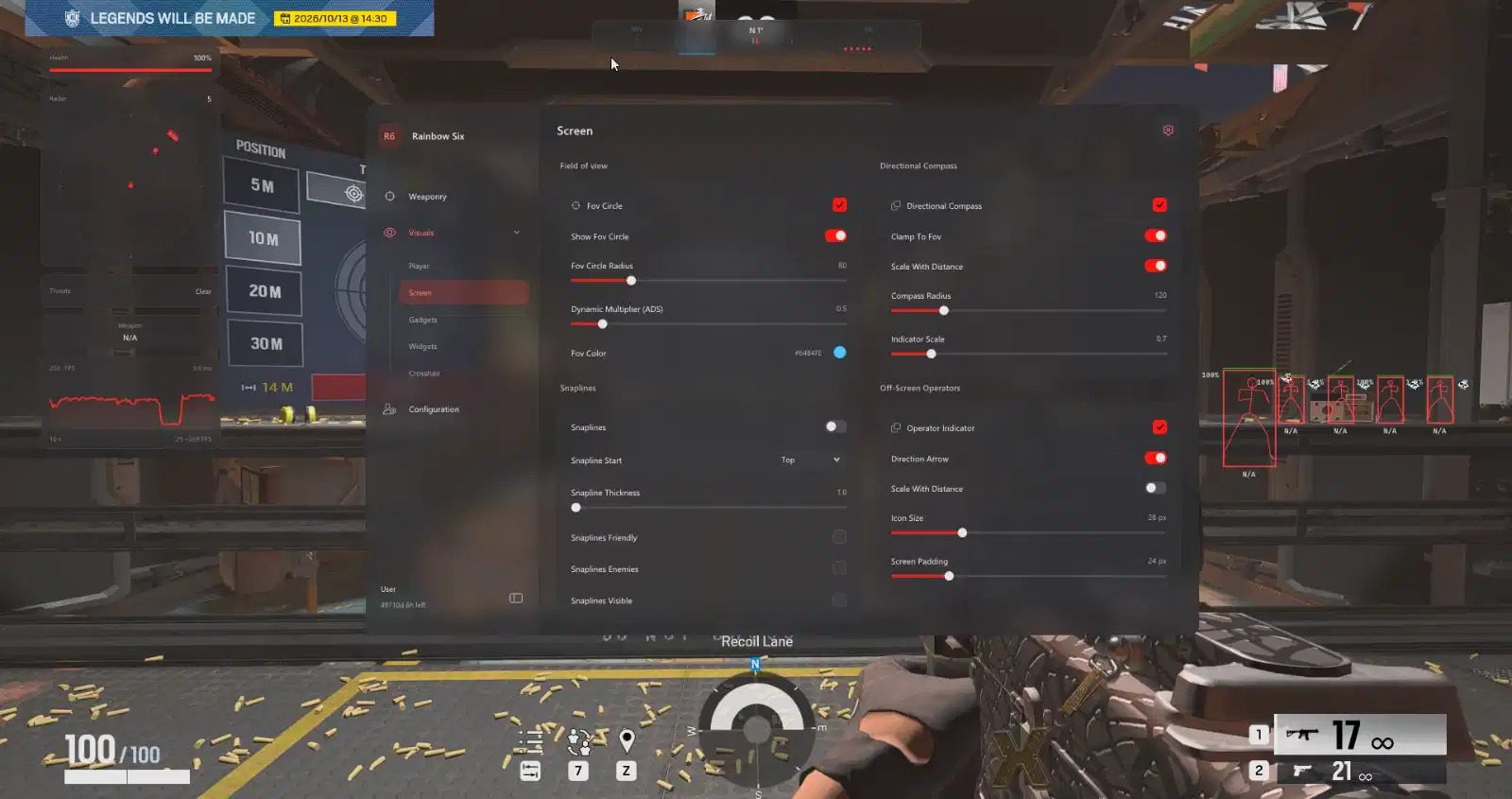
- Customizable FOV Circle:
- Radius
- Color
- ADS Multiplier
2. Aim Smoothing
- Basic & Advanced Smoothing Modes
- Three Preset Profiles:
- Smooth
- Balanced
- Aggressive
- Adjustable Basic Strength & Humanized Control
- Aim Speed & Assist Strength
- Custom Curve Control Points & Point Count
- Randomization Factor & Endpoint Noise
- Real-Time Smoothing Preview
- Aim Path & Assist Point Visualizer
- Adjustable Path Fade Duration & Color
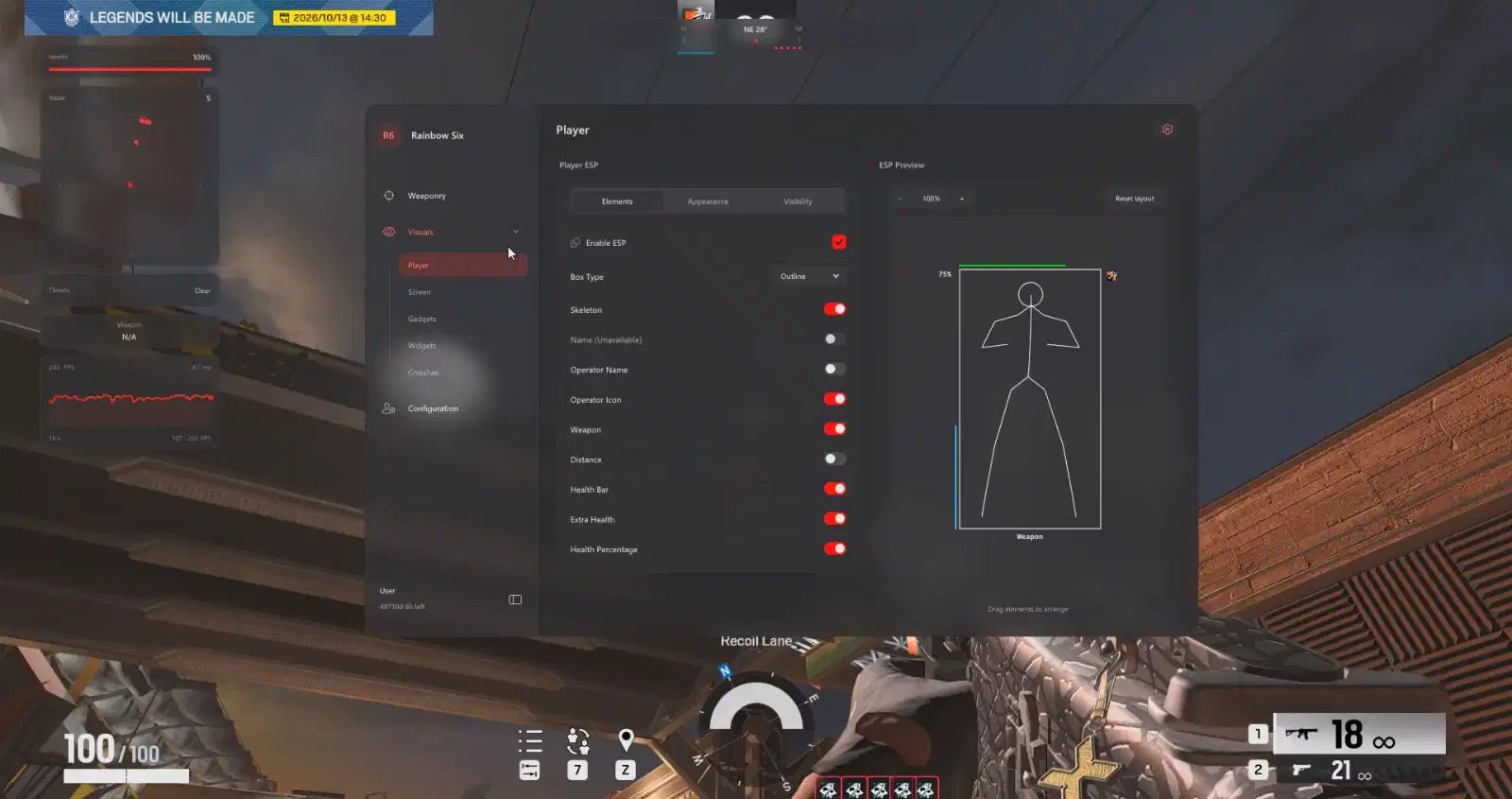
3. Player ESP
- Multiple ESP Box Styles:
- Outline
- Corner
- Filled
- Skeleton ESP with Adjustable Smoothness
- Operator Names & Icons
- Distance Indicators & Maximum Render Range
- Team, Enemy & Actor Filtering
- Ignore Non-Visible Player Filter
- Custom Friendly, Enemy & Visible Colors
- Adjustable Font Size
- ESP Layout Preview
- Player Names & Weapon Labels (when supported)
- Health Bar, Extra Health & Health Percentage (when supported)
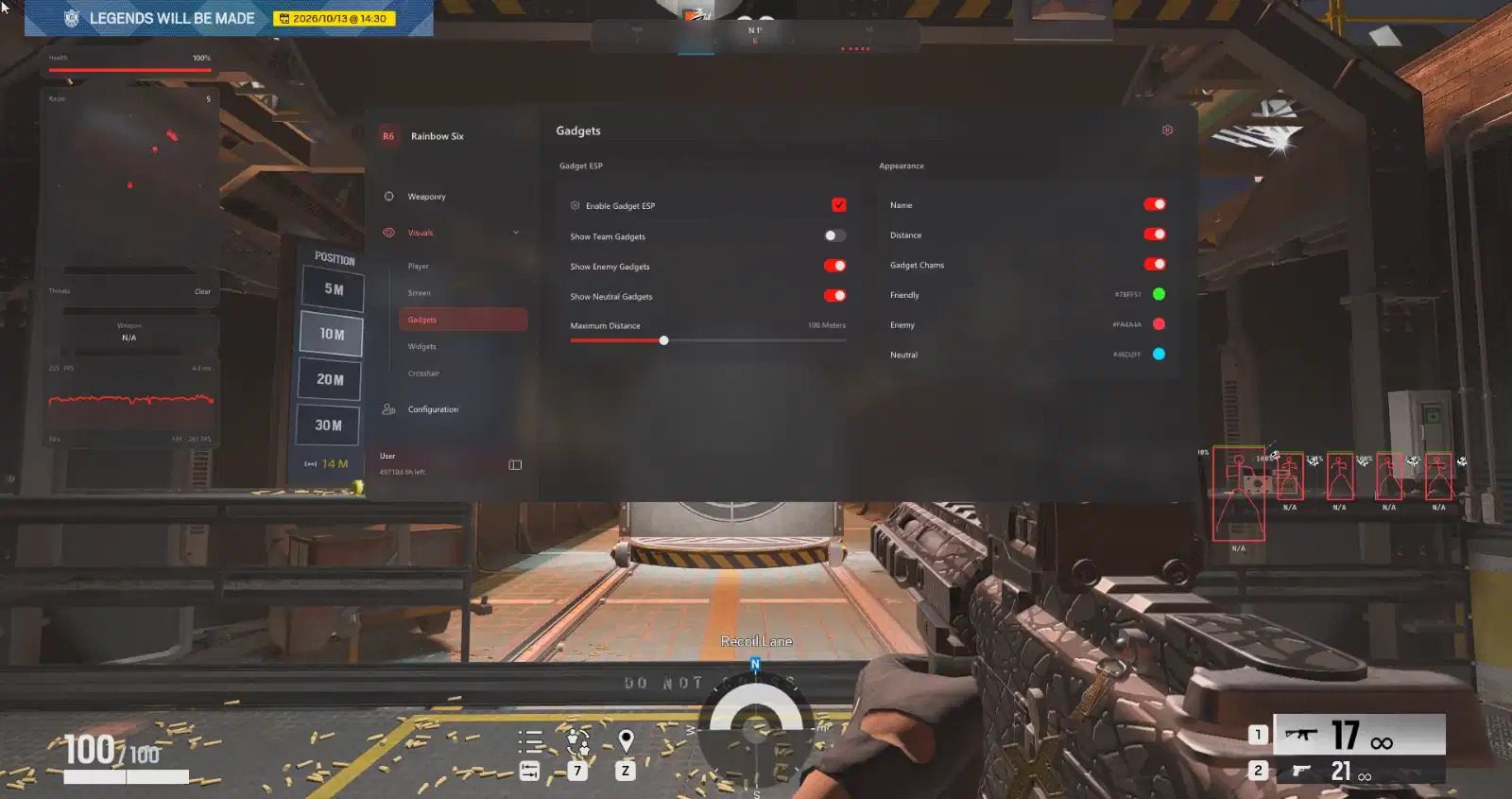
4. Gadget ESP
- Toggleable Gadget ESP
- Friendly, Enemy & Neutral Filters
- Gadget Name Labels
- Distance Indicators & Maximum Render Range
- Gadget Chams
- Custom Friendly, Enemy & Neutral Colors
5. Screen Indicators
- Customizable Snaplines:
- Top
- Center
- Bottom
- Adjustable Snapline Thickness & Visibility Filters
- Directional Compass
- Compass Radius & Indicator Scaling
- FOV Clamping & Distance-Based Scaling
- Off-Screen Operator Indicators
- Directional Arrows
- Adjustable Operator Icon Size & Screen Padding
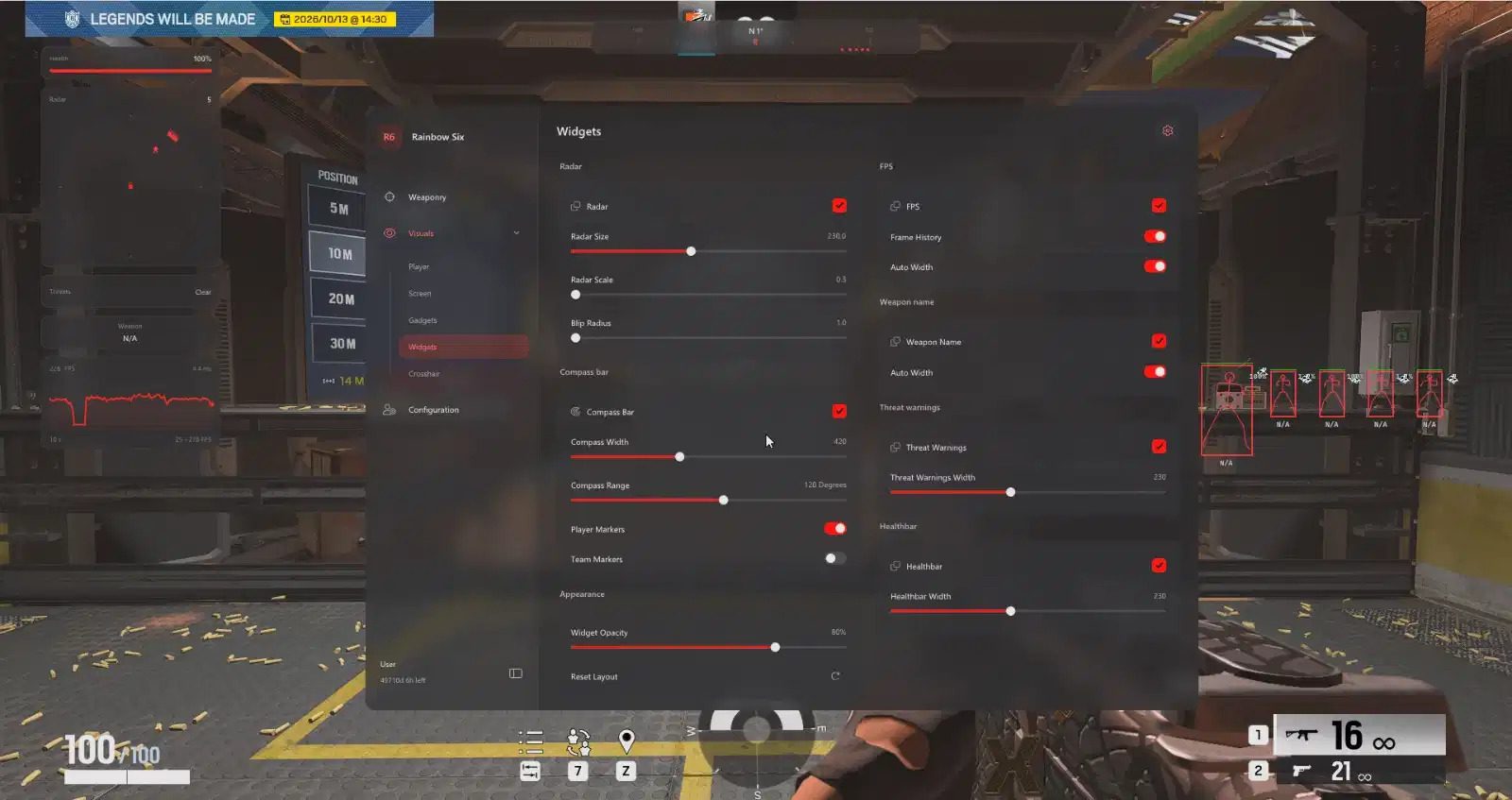
6. Radar & HUD Widgets
- Adjustable Radar Size & Scale
- Customizable Radar Blip Radius
- Compass Bar Width & Detection Range
- Player & Team Compass Markers
- Threat Warnings & Adjustable Width
- FPS Counter with Frame History
- Widget Opacity Controls
- Resettable Widget Layout
- Weapon Name Widget (when supported)
- Health Bar Widget (when supported)
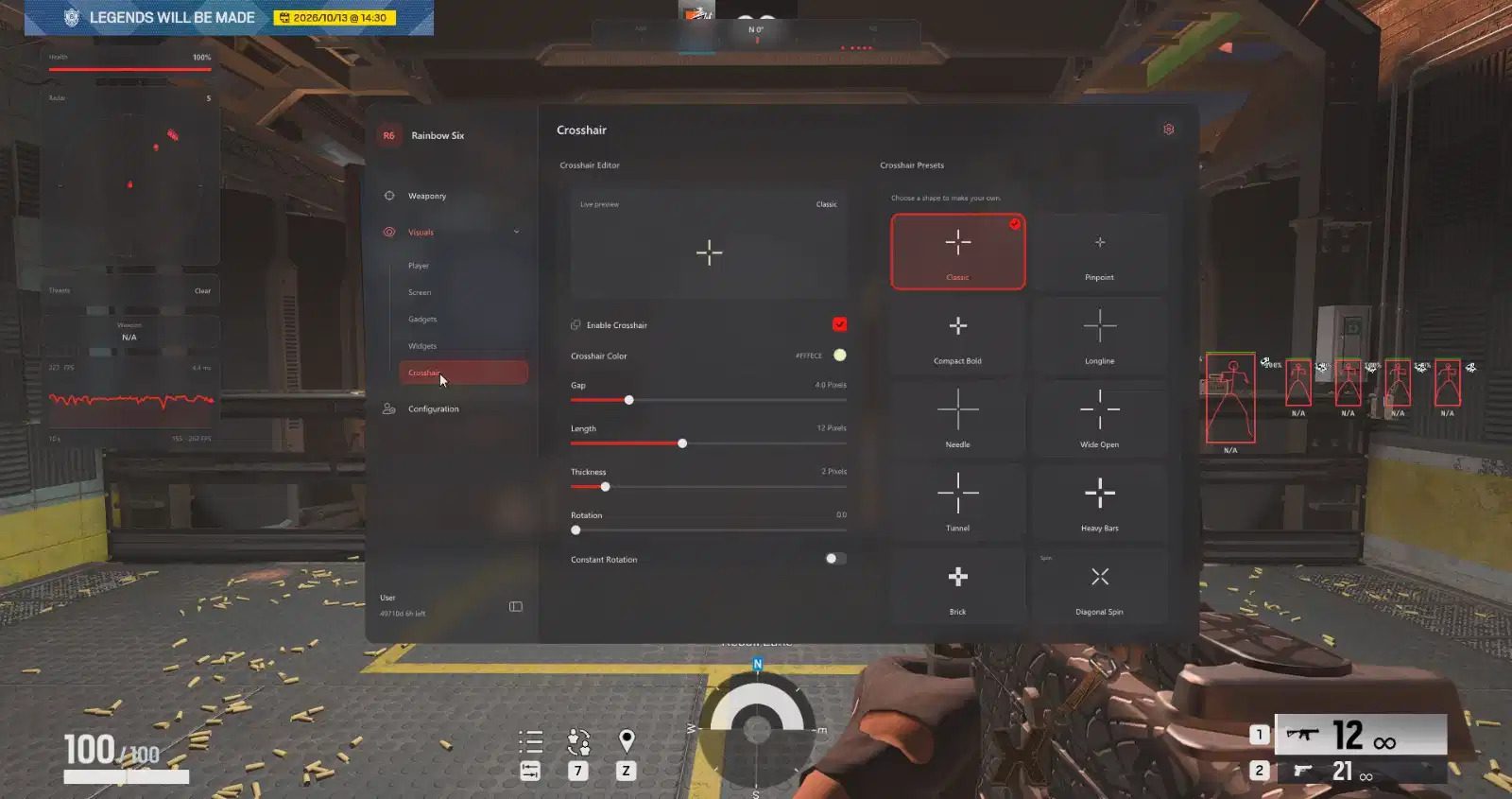
7. Crosshair Editor
- 10 Built-In Crosshair Presets
- Real-Time Crosshair Preview
- Custom Crosshair Colors
- Adjustable Gap, Length & Thickness
- Custom Rotation Angle
- Continuous Crosshair Rotation
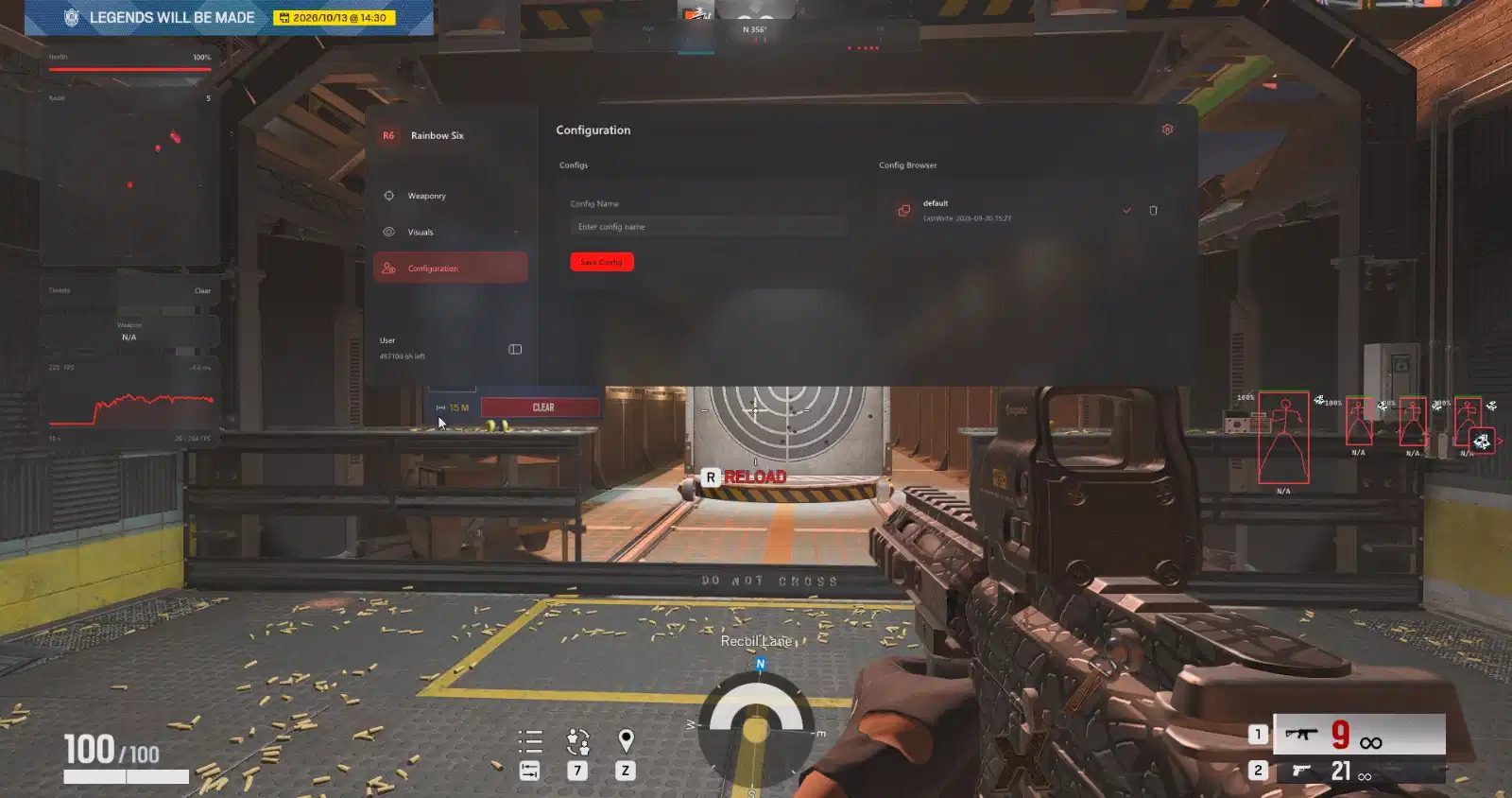
8. Configurations & Interface
- Save & Manage Named Configurations
- Browse & Load Existing Profiles
- Delete Custom Profiles
- Multiple Interface Appearance Themes
- Custom Accent Colors
- Adjustable Interface Scaling (75%–200%)
Vendex — System Requirements & Compatibility
1. Windows Compatibility
Supported Operating Systems: Windows 10 & Windows 11
Windows 11 Builds
- 25H2 — Build 26200
- 24H2 — Build 26100
- 23H2 — Build 22631
- 22H2 — Build 22621
- 21H2 — Build 22000
Windows 10 Builds
- 22H2 — Build 19045
- 21H2 — Build 19044
- 21H1 — Build 19043
- 20H2 — Build 19042
- 2004 — Build 19041
- 1909 — Build 18363
- 1903 — Build 18362
- 1809 — Build 17763
- 1803 — Build 17134
- 1709 — Build 16299
- 1703 — Build 15063
- 1607 — Build 14393
- 1511 — Build 10586
- 1507 — Build 10240
2. Additional Requirements
| Specification | Support |
|---|---|
| Cheat Type | Internal |
| Processor Compatibility | Intel & AMD |
| Fullscreen Mode | Supported |
| Windowed Mode | Supported |
| Borderless Mode | Supported |
| Steam | Supported |
| Ubisoft Connect | Supported |
| Built-in Spoofer | Not Available |
Compatibility and feature availability may vary depending on the game version and supported functionality.