
Description
Feature Overview
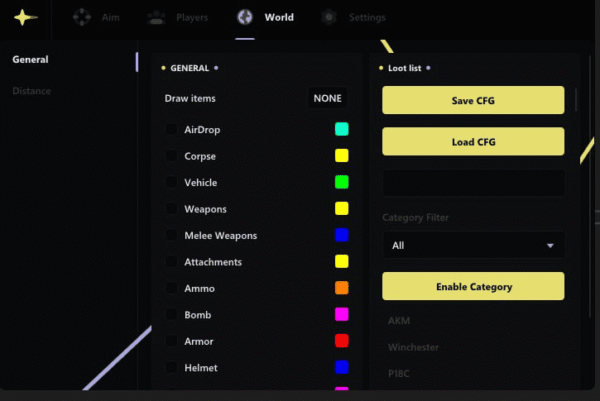
Vendex Features
Advanced targeting, visual, HUD, graphics
and interface customization.
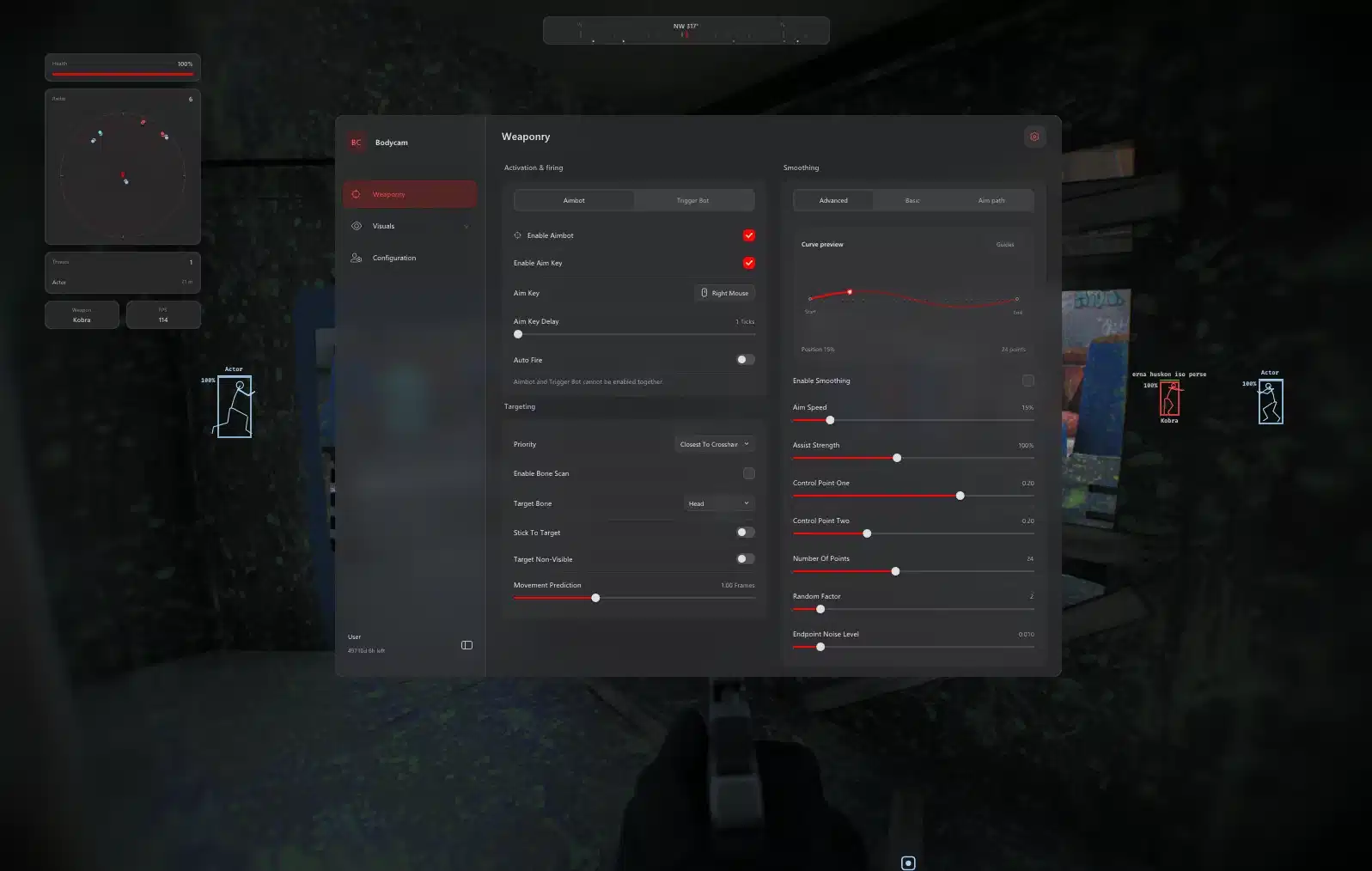
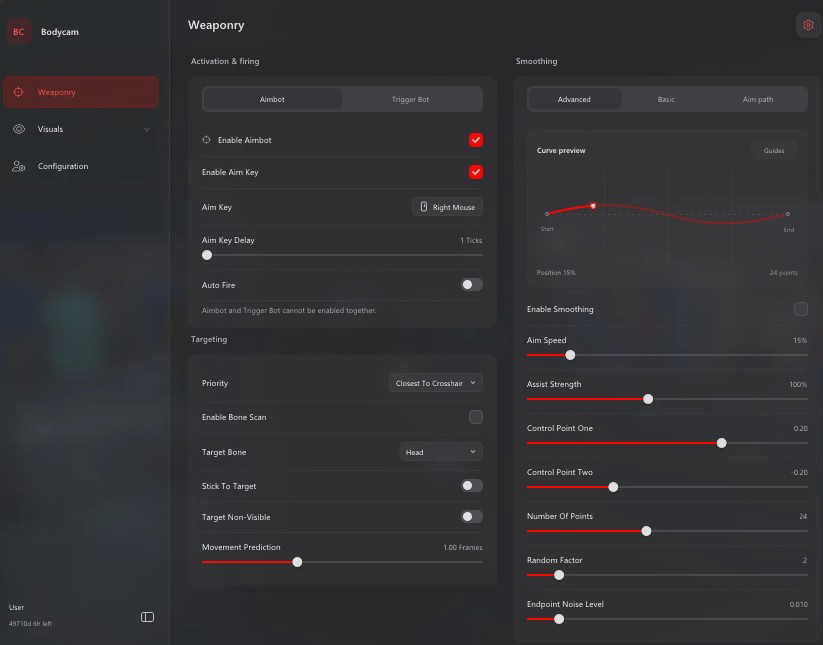
Aimbot & Magic Bullet
- Configurable Aim Key
- Aim-Key Delay
(1–50 ticks) - Auto Fire
- Magic Bullet
- Target Priority:
Closest To Crosshair /
Closest To Bone /
Closest Distance /
Lowest Health /
Smallest FOV - Bone Scan
22 Target-Bone Choices
- Stick To Target
- Target Non-Visible
- Movement Prediction
(0–3 frames)
Trigger Bot
- Separate Trigger-Bot Mode
- Optional Activation Key
- Reaction Delay
(0–50 ms) - Bone Scan &
Target-Bone Selection - Radius Multiplier
(0.25–2x) - Aimbot / Trigger-Bot Mode Switching
(one active at a time)
Aim Smoothing
- Smooth, Balanced &
Aggressive Profiles - Basic Strength Control
- Humanized Smoothing Option
- Advanced Bezier Controls
- Aim Speed &
Assist Strength - Control Points &
Curve Resolution - Random Factor &
Endpoint Noise - Aim-Path &
Assist-Point Visualizer - Path Colour &
Fade Timing
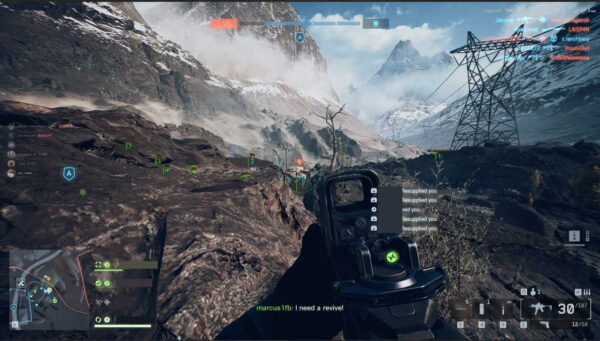
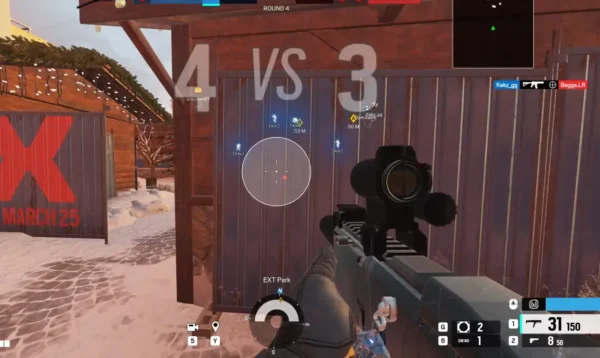
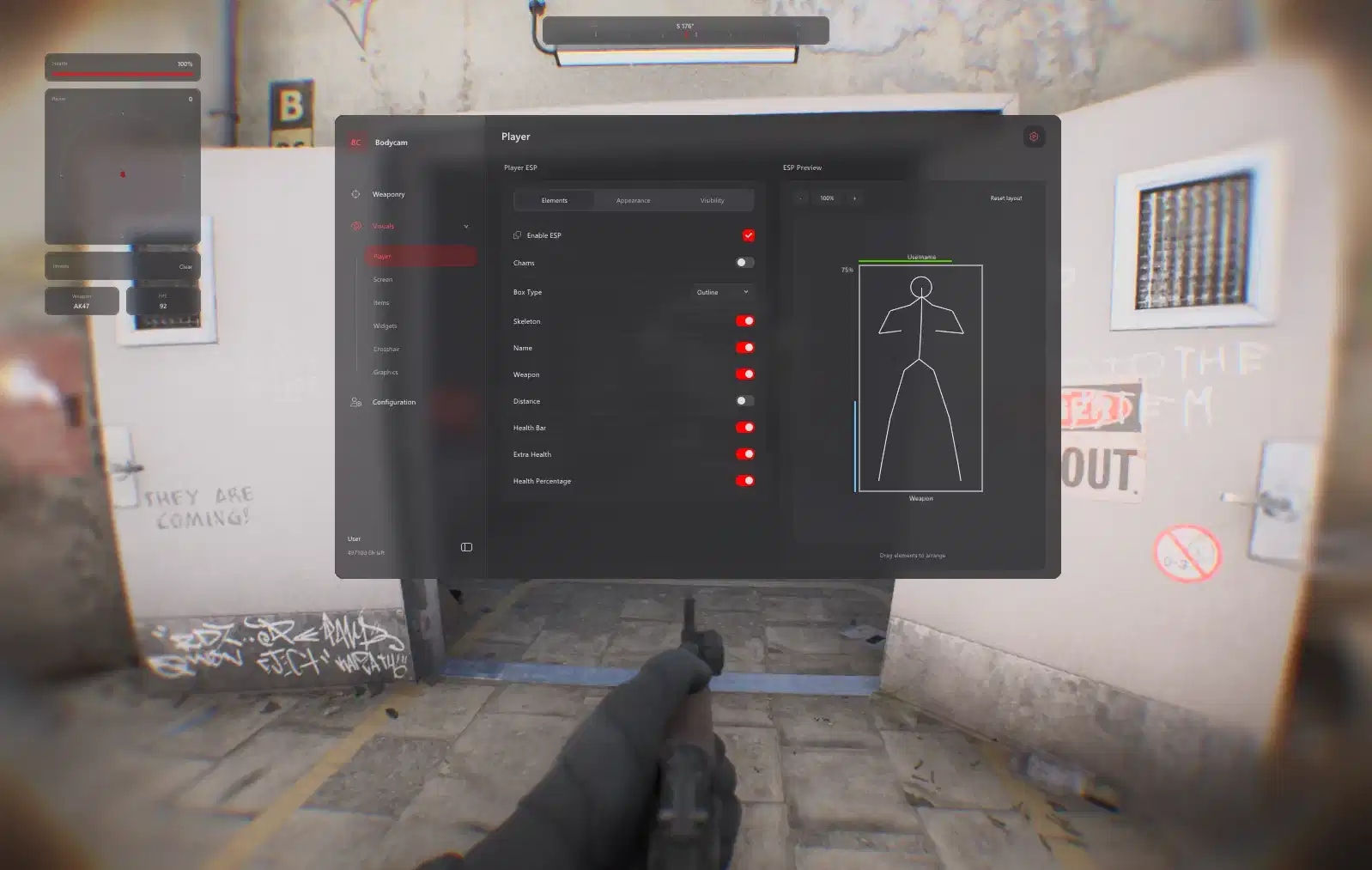
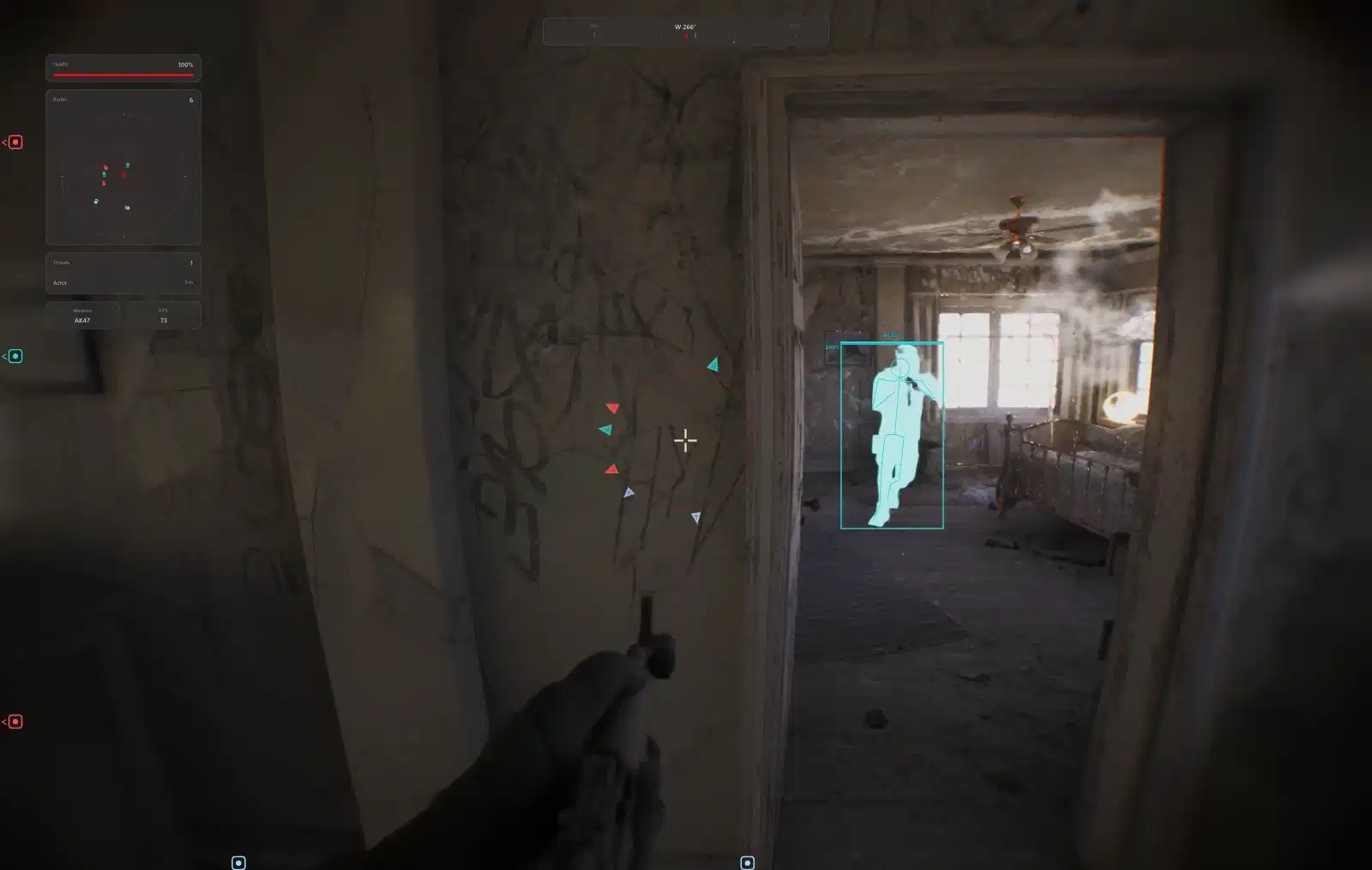
Player ESP & Chams
- Player Names &
Weapon Labels - Health Bars &
Health Percentage - Skeleton &
Distance Display - Outline, Corner &
Filled Boxes - ESP Distance
up to 300m - Team, Enemy &
Actor Filters - Ignore Non-Visible Filter
- Friendly, Enemy &
Visible Colours - Chams with Adjustable Glow
- Font Size &
Skeleton Smoothness - Drag-and-Drop ESP Layout
- Zoomable ESP Preview
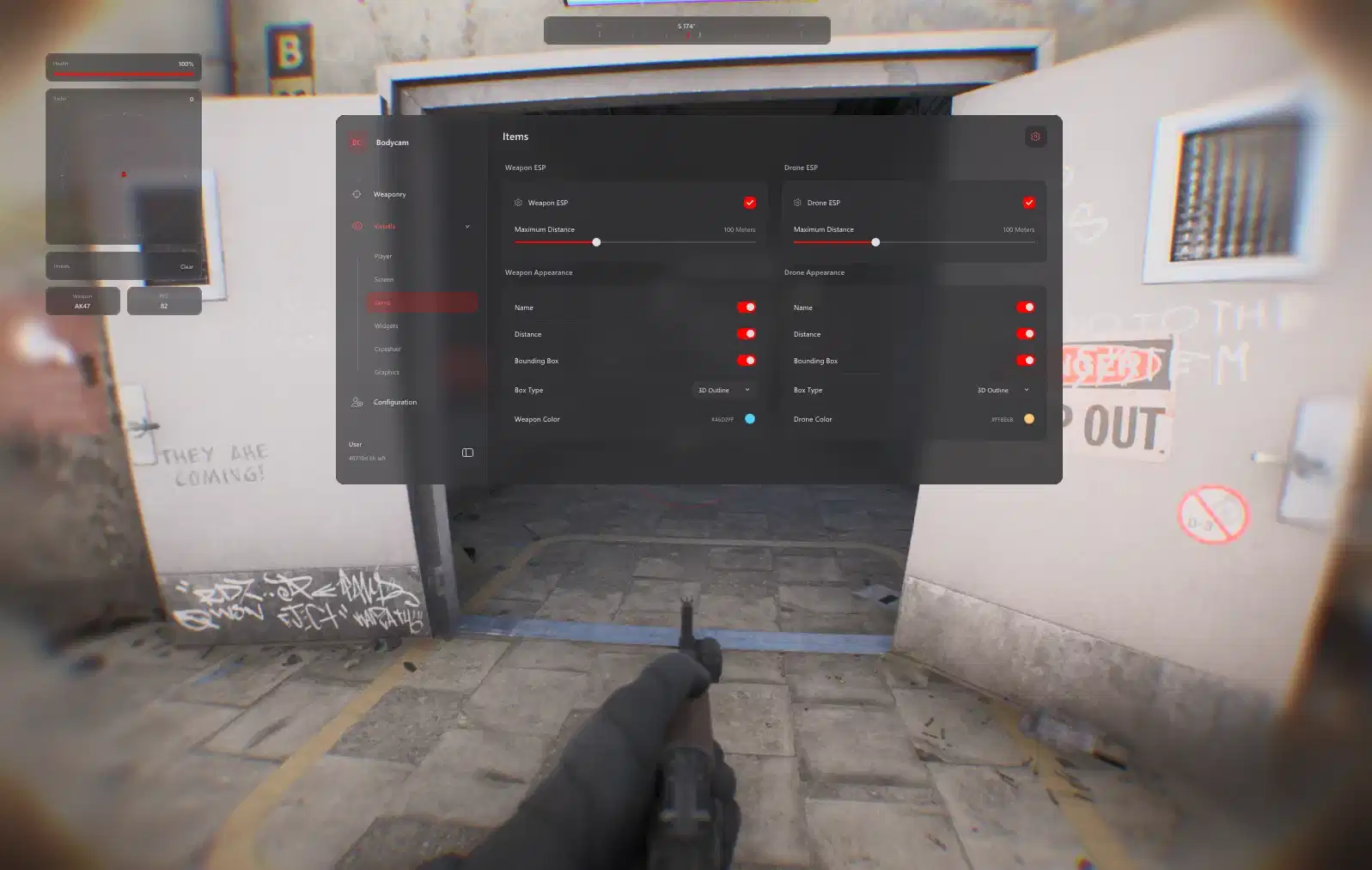
Weapon & Drone ESP
- Independent Weapon &
Drone Toggles - Separate Maximum-Distance Controls
- Weapon Name &
Distance Labels - Drone Name &
Distance Labels - 2D Outline Bounding Boxes
- 3D Outline Bounding Boxes
- 3D Filled Bounding Boxes
- Separate Weapon &
Drone Colours
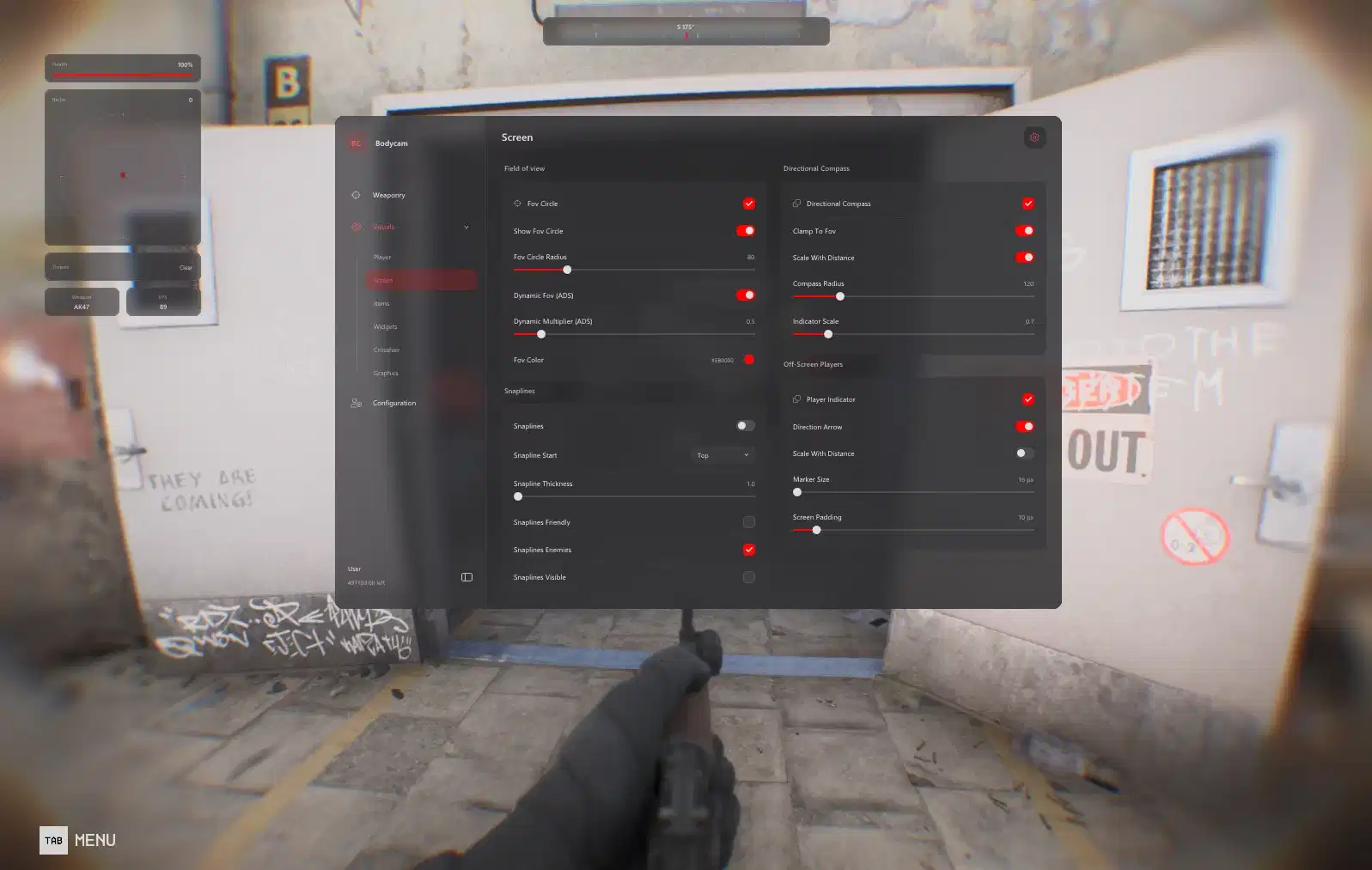
Screen Visuals
- FOV Circle, Radius & Colour
- Dynamic ADS FOV Multiplier
- Snapline Start
(Top / Centre / Bottom) - Snapline Thickness &
Team Filters - Directional Compass
- Clamp To FOV
- Distance-Scaled Indicators
- Off-Screen Player Markers
- Optional Direction Arrow
- Marker Size &
Screen Padding
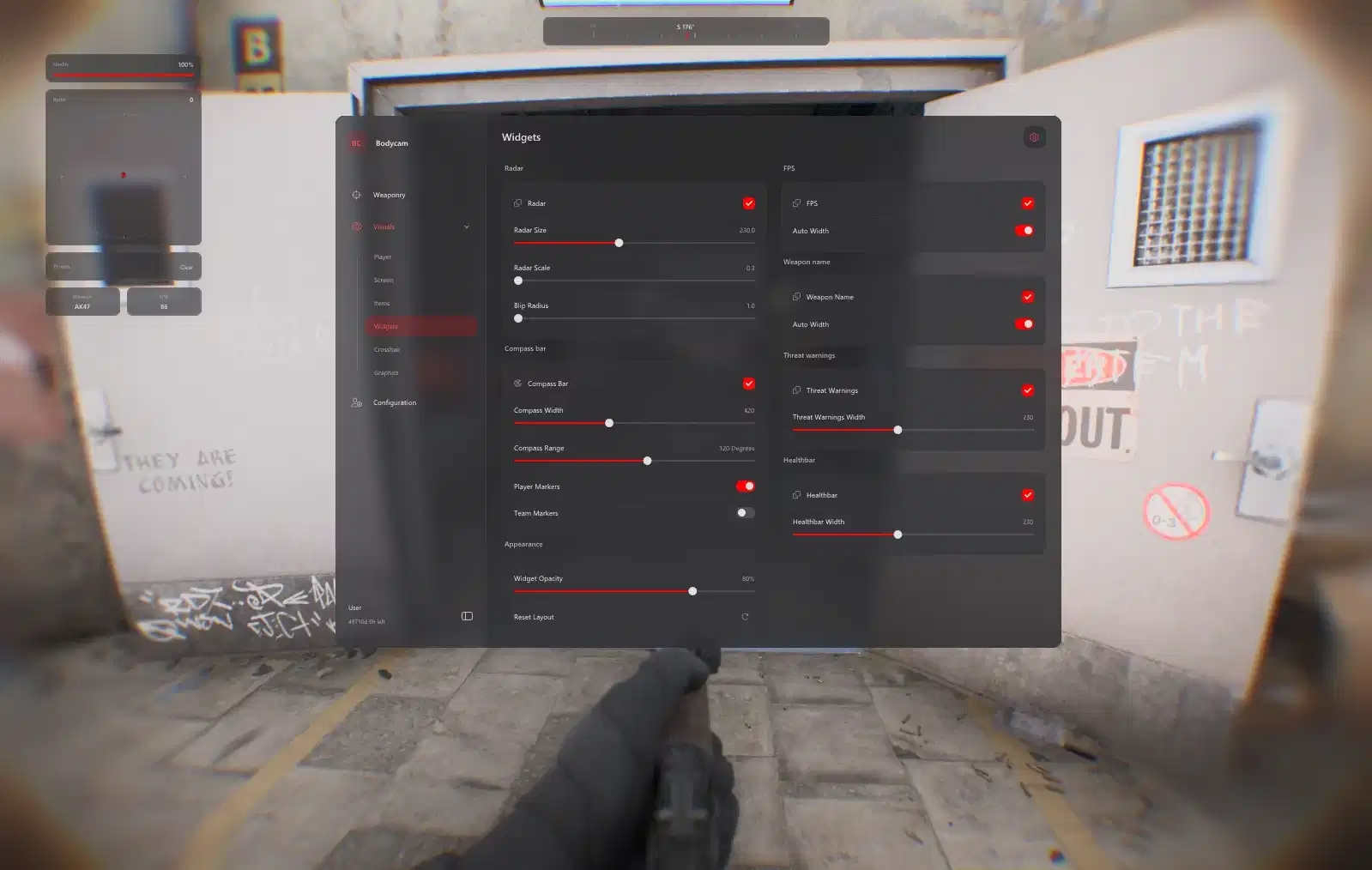
Radar & HUD Widgets
- Radar Size, Scale &
Blip Radius - Compass Bar with
Player Markers - Compass Width &
Viewing Range - Optional Team Markers
- Healthbar Widget
- Threat-Warning Widget
- FPS &
Weapon-Name Widgets - Automatic or Custom
Widget Widths - Movable HUD Panels
- Widget Opacity
(20–100%) - Reset HUD Layout
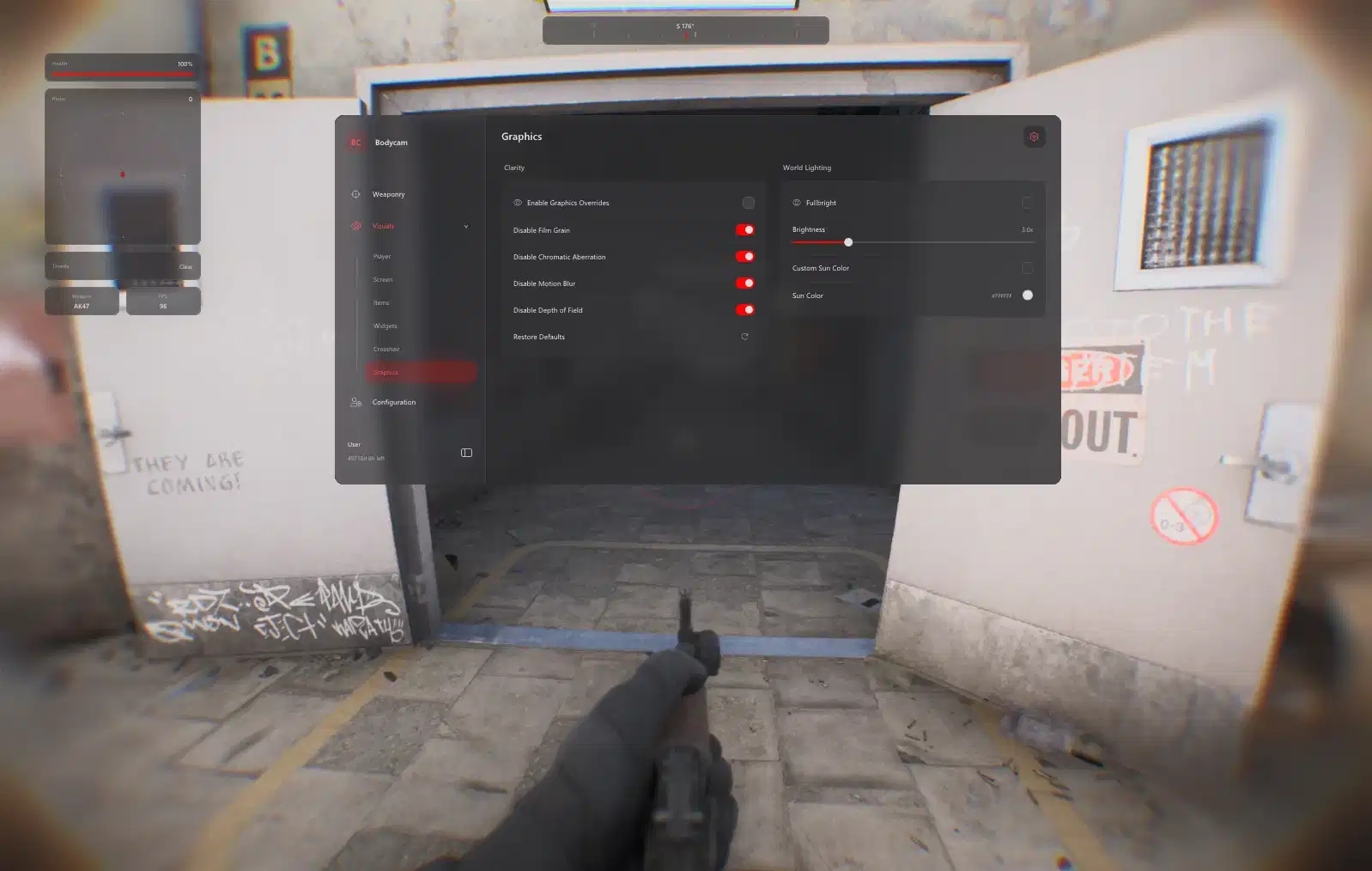
Graphics & Lighting
- Enable Graphics Overrides
- Disable Film Grain
- Disable Chromatic Aberration
- Disable Motion Blur
- Disable Depth of Field
- Fullbright &
Brightness Control - Custom Sun Colour
- Restore Graphics Defaults
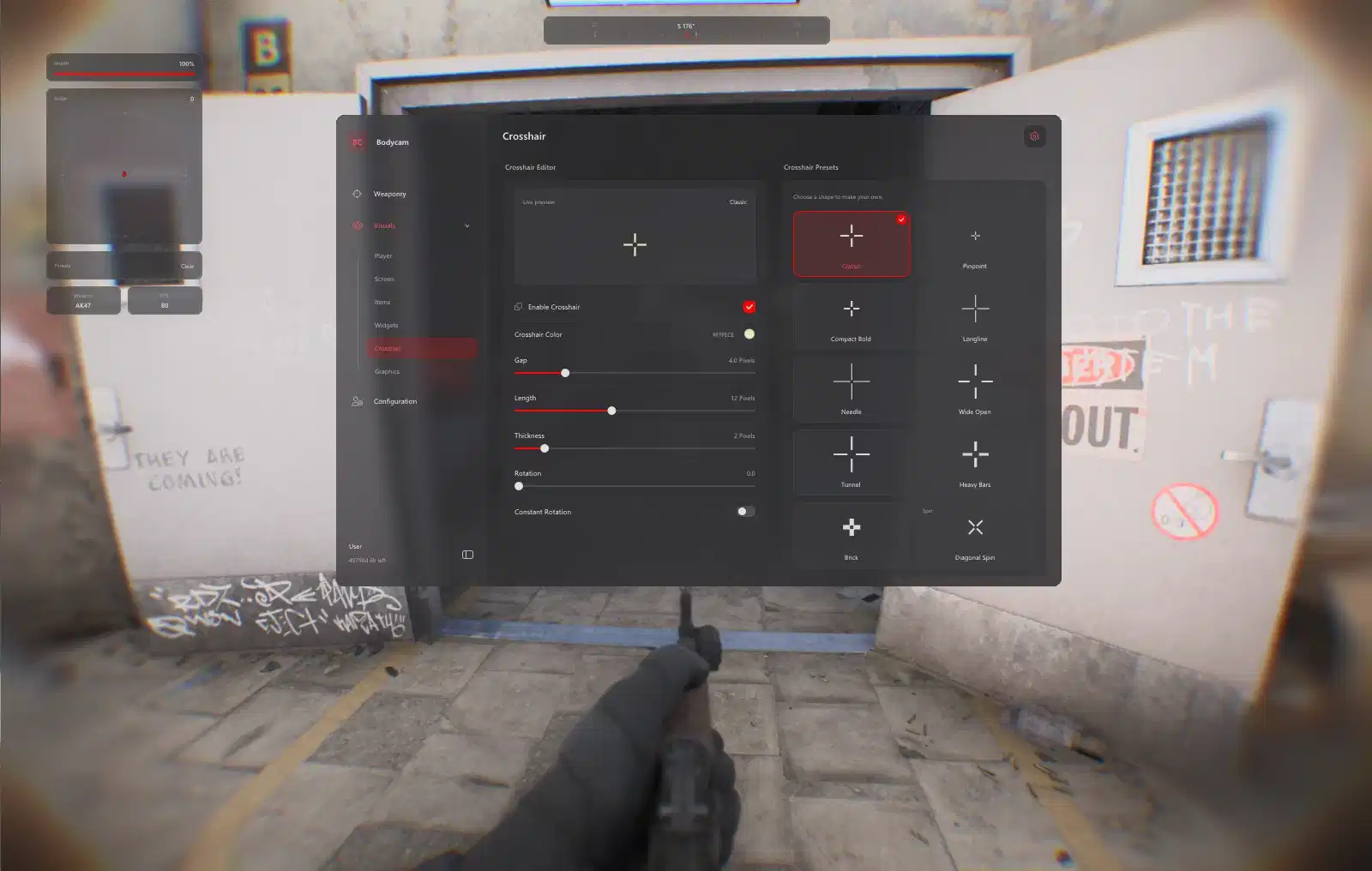
Custom Crosshair
10 Crosshair Presets
- Gap, Length & Thickness
- Rotation &
Constant Rotation - Custom Crosshair Colour
- Live Crosshair Preview
- Preset Gallery &
Manual Editing
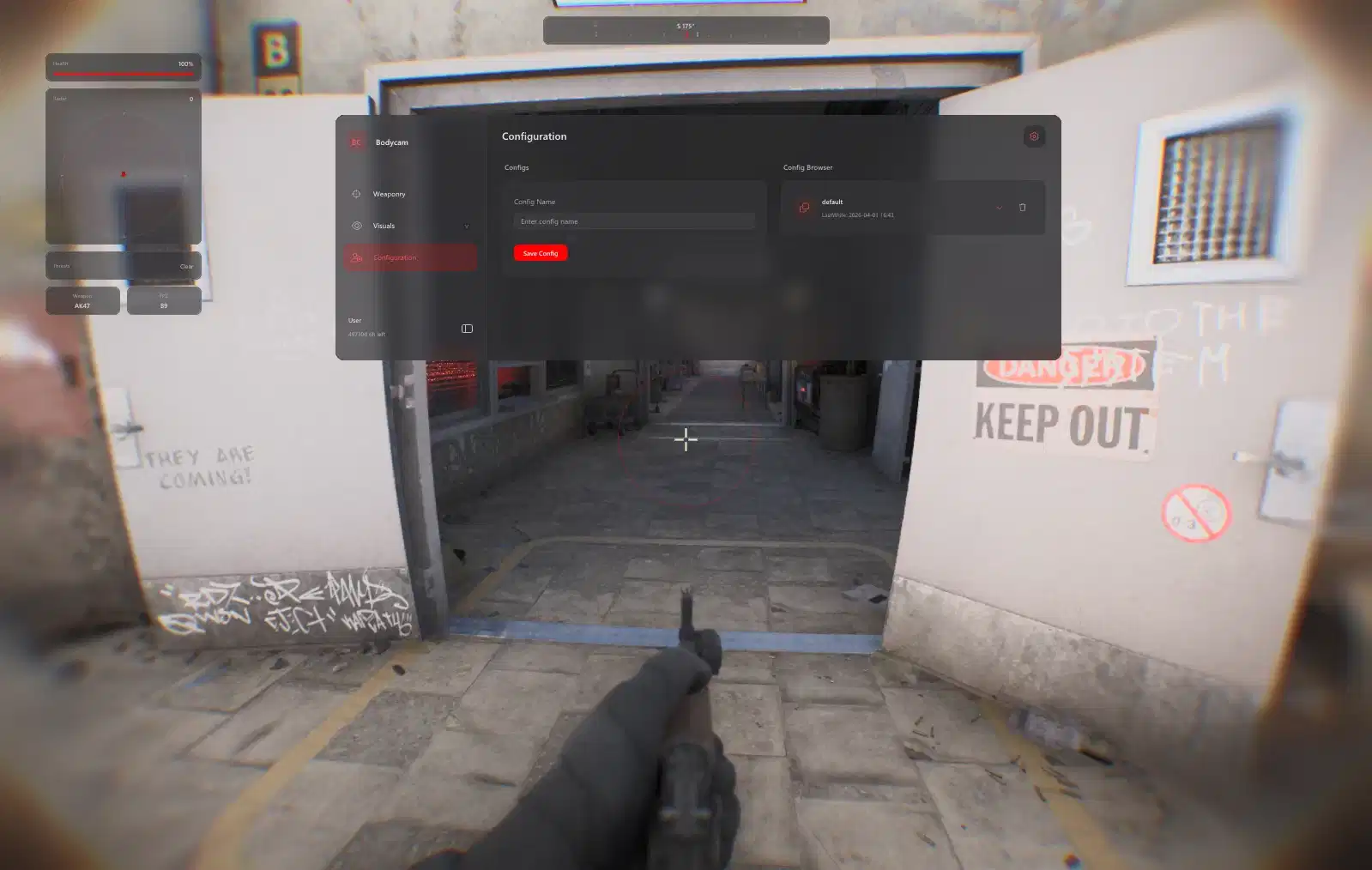
Configuration & Interface
- Save Named Configurations
- Load &
Delete Saved Profiles - Paginated Config Browser
- Menu Shortcut
- Interface Size
(75–200%) - Theme & Accent Colour
- Interface Animation Timing
- Menu Background Blur &
Amount - HDR Display &
SDR Brightness Controls - Native Controller Support